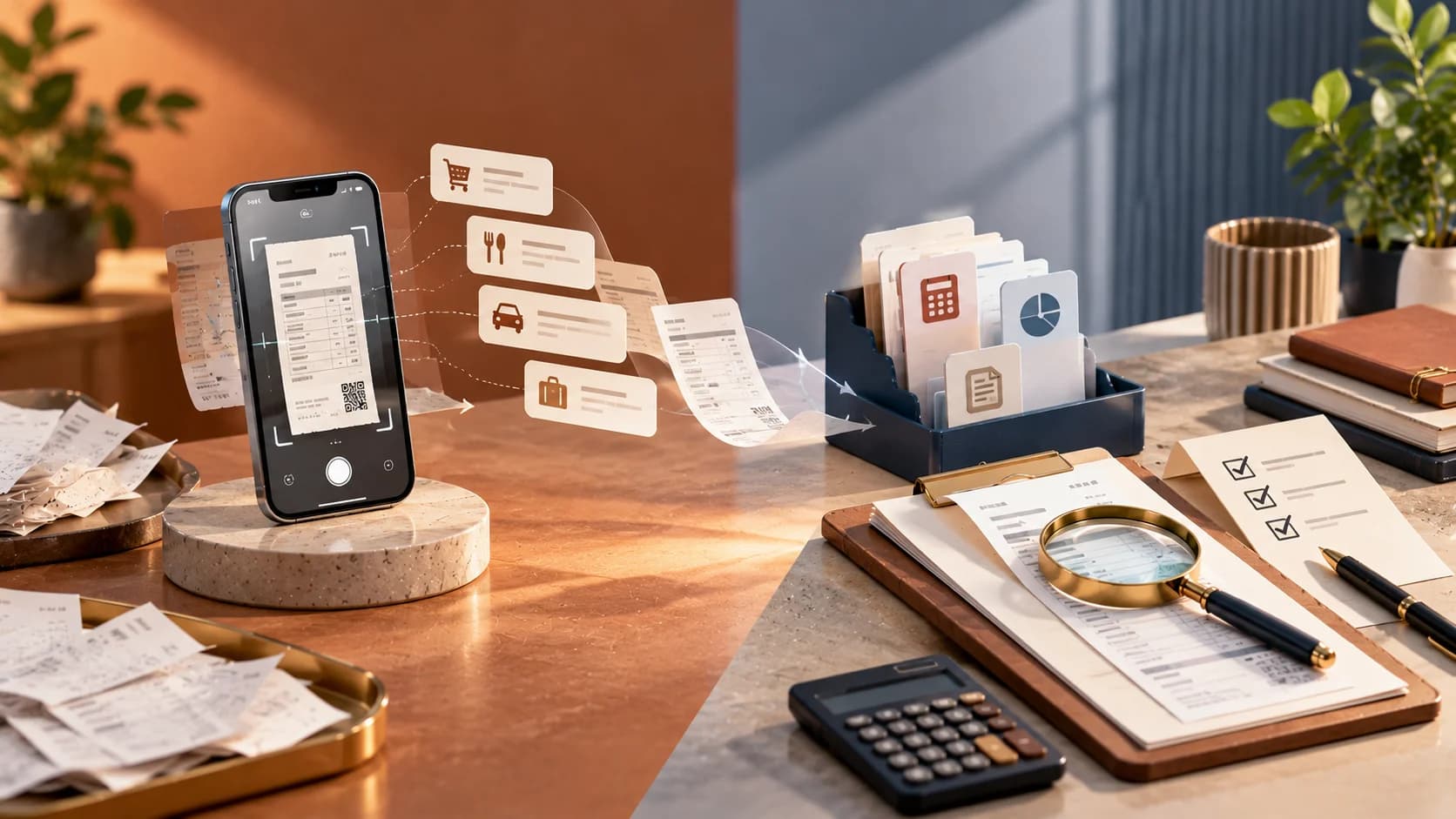
OCR receipt scanning bookkeeping tools have made it far easier to capture an expense the moment it happens, using a phone camera and optical character recognition to pull out the vendor, amount, and date without anyone typing the information manually. For a busy business owner juggling expenses on the go, this is a genuine convenience. The open question is whether that captured data is actually correct once it lands in the books, and that is where human-reviewed bookkeeping accuracy still plays an essential role that scanning technology alone does not fully replace.

Key Takeaways
- OCR receipt scanning bookkeeping saves real time on clear, standard receipts.
- Accuracy drops on faded, handwritten, angled or foreign currency receipts.
- Categorization is a prediction. A bookkeeper confirms it against business context.
- Small misreads compound across hundreds of expenses over a year.
- Scale the level of review to the size and risk of each expense.
How OCR Receipt Scanning Actually Works
Optical character recognition works by analyzing an image of a document, identifying characters and their positions, and converting that visual information into machine-readable text. Modern receipt scanning apps layer additional logic on top of raw OCR, using pattern recognition trained on thousands of receipt formats to identify which block of text on a cluttered receipt represents the total amount, which represents the date, and which represents the vendor name. This layered approach has made receipt scanning considerably more reliable than early OCR technology, which struggled with anything beyond clean, high-contrast printed text.
Where the Technology Performs Well
Modern receipt scanning apps do genuinely well with clear, standard-format receipts from common retailers and restaurants, where the total amount is printed clearly and the format is one the underlying model has seen many times before. For routine, low-value expenses like a client lunch or office supplies, this level of accuracy is generally sufficient, and the time saved compared to manually entering each expense is substantial for a business processing many small transactions each month. This is the single biggest reason these tools have become so widely adopted so quickly, and that adoption is, on the whole, a reasonable and positive development for busy teams.
Where the Technology Still Struggles
Performance drops noticeably with faded thermal receipts that have degraded after being carried in a wallet for days, handwritten additions such as a tip added after the printed total, foreign currency receipts that require a conversion the app may not handle correctly, and receipts photographed at an angle or in poor lighting. In these cases, the extracted amount or date can be wrong in ways that are not obvious unless someone actually compares the extracted data against the original image, which most users do not do for every single receipt they submit.
Expense Automation Software Beyond Capture
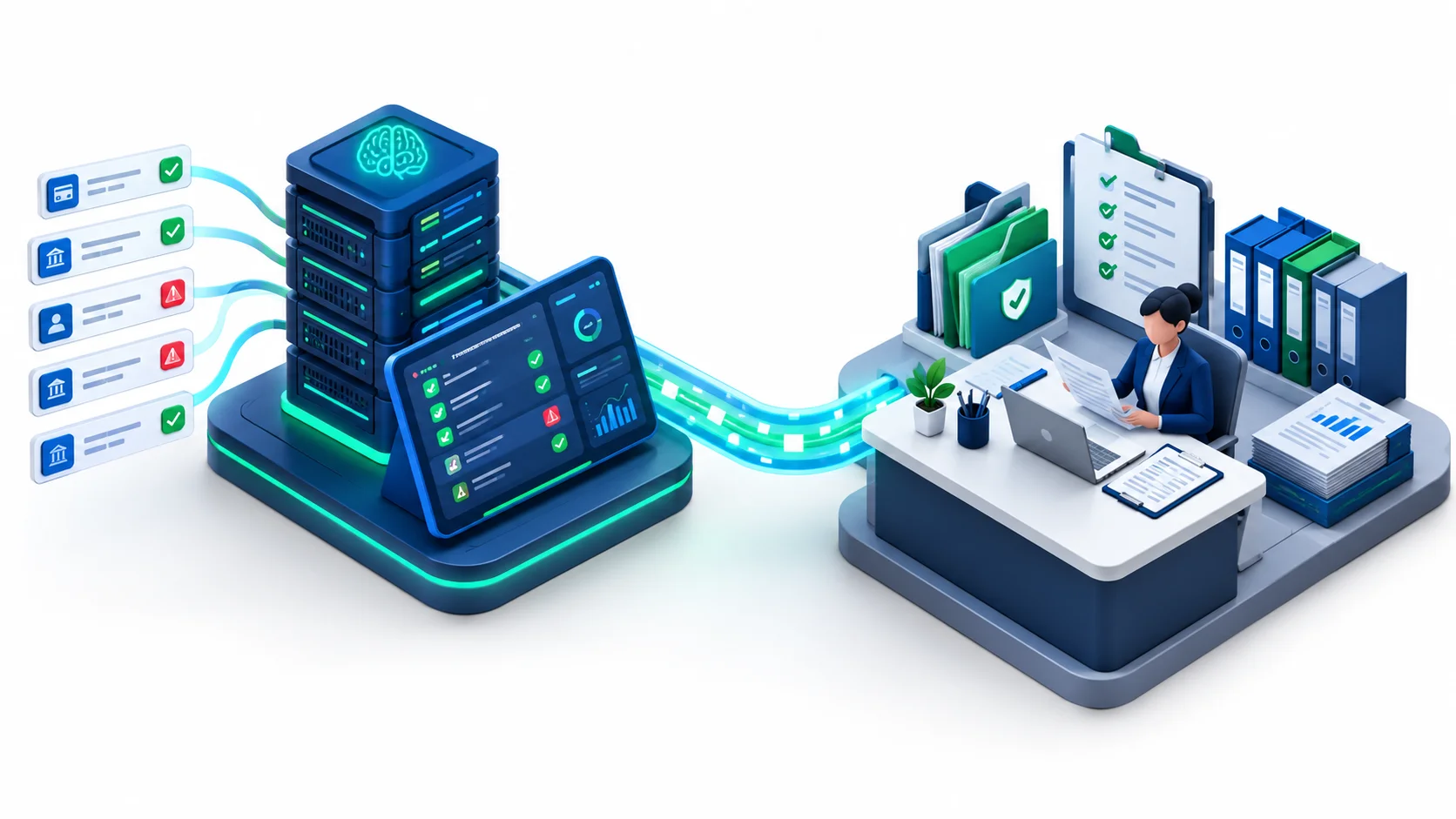
Expense automation software typically does more than just capture receipt data. It also applies categorization rules, routes expenses for approval based on amount or department, and flags expenses that appear to violate a policy, such as exceeding a per-diem limit. This layer of automation genuinely reduces the administrative burden of expense management, particularly for businesses with employees submitting expenses regularly rather than a single owner tracking their own spending.
The categorization step, much like automated bookkeeping categorization generally, is a prediction based on patterns rather than a certainty. An expense that looks like a meal but is actually a client entertainment expense with different tax treatment, or a purchase that should be capitalized rather than expensed, can be miscategorized by software that is matching against superficial patterns rather than understanding the underlying accounting treatment required. This is precisely the kind of distinction a bookkeeper reviewing the categorized data is trained to catch.
Why Bookkeeping Accuracy Still Depends on Human Review
Catching Misreads Before They Affect the Books
A misread amount from OCR receipt scanning bookkeeping software, whether it is a misplaced decimal, a transposed digit, or a total that was confused with a subtotal on a complex receipt, flows directly into the accounting system unless someone catches it. Left uncorrected, this kind of error can distort expense totals, misstate deductible amounts on a tax filing, or create a discrepancy that surfaces awkwardly during a bank or credit card reconciliation weeks later. A bookkeeper reviewing scanned expense data as part of a regular bookkeeping cycle is the practical safeguard against this kind of quiet, compounding error.
Confirming Categorization Against Actual Business Context
Software can suggest a category based on the merchant name or transaction pattern, but only someone who understands the specific business and the transaction's actual purpose can confirm that the categorization is appropriate. A payment to a hardware store could be office supplies, a capital asset, or inventory depending on what was actually purchased, and no OCR engine reading a receipt total can make that distinction reliably on its own. This is where professional judgment, applied during a regular bookkeeping review, adds value that scanning technology cannot replicate.
The Compounding Effect of Small Errors
A single misread receipt might seem trivial, and in isolation it usually is, easily dismissed as a rounding issue not worth chasing down. The risk with OCR receipt scanning bookkeeping tools is not any one error but the cumulative effect of many small errors across hundreds or thousands of expenses processed over a year. If even a small percentage of scanned receipts are misread or miscategorized, that percentage compounds across the full volume of transactions a growing business processes, and by year end the aggregate distortion in expense totals can be meaningful enough to affect both financial statements and tax positions.
This compounding effect is precisely why periodic review matters more as transaction volume grows rather than less. A business processing a handful of expenses a month might reasonably catch an occasional error through simple familiarity with its own spending. A business processing hundreds of expenses across multiple employees and departments has no such natural safety net, and the absence of a structured review process means errors can accumulate quietly for months before anyone notices a pattern, usually during a reconciliation, an audit, or a tax filing that forces a closer look at the underlying detail.
Employee-Submitted Expenses and Policy Compliance
Receipt scanning apps are particularly common in businesses where multiple employees submit their own expenses, and this introduces a layer of complexity beyond simple data capture accuracy. Employees may submit personal expenses mixed in with legitimate business expenses, either by accident or otherwise, and an automated system focused on reading receipt totals is not well positioned to catch this kind of policy violation on its own. Expense automation software can flag amounts that exceed a preset policy limit, but it generally cannot judge whether an expense was genuinely business-related in the first place.
A bookkeeper or finance team member reviewing submitted expenses against company policy adds a layer of accountability that pure automation does not provide on its own. This review also protects employees themselves, since a legitimate business expense that gets miscategorized or rejected due to a scanning error can create unnecessary friction with staff who submitted it in good faith. Clear review processes, applied consistently, tend to reduce both fraud risk and the kind of misunderstandings that damage trust between employees and the finance function.
Currency and Cross-Border Expense Complications
Businesses with employees who travel internationally, or that operate across more than one country, face additional accuracy challenges with OCR receipt scanning bookkeeping tools. A receipt in a foreign currency needs to be converted at an appropriate exchange rate, and the timing of that conversion, whether based on the transaction date or the date the expense was submitted, needs to be applied consistently to avoid distorting reported expense totals. Some receipt scanning apps handle this reasonably well; others apply a generic conversion that may not match the rate the employee's card issuer actually used, creating a small but real discrepancy between what was recorded and what was actually charged.
These discrepancies rarely matter much individually, but for a business with significant international travel or cross-border operations, they can add up to a noticeable variance over a year. A bookkeeper familiar with the business's typical expense patterns is better positioned to spot when currency conversion figures look inconsistent or implausible than an automated system simply processing each receipt independently without that broader context.
Document Digitization Accounting and Audit Readiness
Document digitization accounting, keeping scanned, searchable copies of receipts and supporting documents rather than physical paper files, offers real advantages during audit preparation, since documentation can be retrieved quickly by date, vendor, or amount rather than searched for in a box of paper receipts. Livida's audit preparation service benefits directly from clients who maintain good digitized documentation practices, since it substantially reduces the time needed to assemble supporting evidence for a given transaction when an auditor requests it, turning what used to be a scramble through filing cabinets into a quick, targeted search through an organized digital archive.
Digitization on its own, however, does not guarantee that each digitized document is correctly matched to the right transaction in the books, or that the documentation actually satisfies what a specific jurisdiction requires for tax purposes. Some tax authorities have specific rules about what counts as acceptable supporting documentation, and a poor-quality or incomplete scan could fail to meet that standard if challenged, regardless of how well organized the digital filing system otherwise looks.
Data Retention and Long-Term Documentation Requirements
Businesses need to retain expense documentation for a set number of years depending on their jurisdiction's tax rules, and document digitization accounting is genuinely helpful here, since a digital archive avoids the physical storage and degradation problems that come with keeping years of paper receipts. Thermal paper receipts in particular fade over time, sometimes becoming illegible well before the retention period a tax authority requires has elapsed, which makes a digitized copy captured at the time of purchase considerably more reliable as a long-term record than the original paper.
That said, a digitized archive is only as useful as its organization and accuracy. A scanned receipt that was misread at the time of capture, with an incorrect amount or date stored alongside it, remains a flawed record indefinitely unless someone corrects it during a review. Businesses should not assume that digitization alone satisfies documentation requirements; the underlying data associated with each digitized document still needs to be accurate, which again points back to the value of periodic human review rather than relying solely on the initial automated capture.
Where the Two Approaches Actually Differ
The table below compares OCR receipt scanning bookkeeping with human-reviewed bookkeeping on four points.
| OCR Receipt Scanning | Human-Reviewed Bookkeeping | |
|---|---|---|
| Speed | Captures data instantly from a photo | Adds a review step after capture |
| Accuracy on clean receipts | Generally high | Confirms and corrects when needed |
| Accuracy on edge cases | Drops with faded, foreign, or angled receipts | Catches misreads and miscategorization |
| Judgment calls | Cannot make them | Confirms categorization against business context |
Five practical checks are worth running periodically:
- Spot-check a sample of scanned receipts against the original image each month, not just when a total looks obviously wrong.
- Confirm foreign currency receipts are converted at a consistent, documented rate.
- Review categorization on larger or first-time vendor expenses before they are finalized in the books.
- Confirm document retention in the scanning app matches the retention period your jurisdiction requires.
- Keep the original image linked to every entry so a reviewer can verify it in seconds.
Standards bodies such as the AICPA & CIMA publish guidance on financial reporting and management accounting practices that are useful reference points when deciding how much review a business's bookkeeping actually needs.
OCR Receipt Scanning Bookkeeping in Practice
Our experience is that scanned receipts rarely fail because the app is poor. They fail because nobody looks at the exceptions. In the filings we handle, the most common delay is a receipt that is missing or unreadable when a tax authority or auditor asks for it.
A simple monthly routine keeps this under control:
- Export the scanned expenses for the month.
- Sort by amount and review the largest ones first.
- Spot-check a sample of smaller receipts against the original images.
- Reconcile the total against bank and card statements.
This takes little time and catches most misreads early. Good OCR receipt scanning bookkeeping habits are cheap to build and costly to skip. For records and retention rules in your country, check the official guidance listed below. For related reading, see cloud document management versus statutory records.
Livida also connects this work to GST filing in Singapore, business tax filing in India and business tax filing in the USA, since every filing relies on supported, accurate expense records.
Choosing the Right Level of Review for Your Business
Not every business needs the same intensity of review applied to every expense. A practical approach scales the level of scrutiny to the size and nature of the transaction: routine, low-value expenses from familiar vendors can reasonably rely more heavily on automated categorization with lighter spot-checking, while larger, unusual, or first-time vendor expenses warrant closer review before they are finalized in the books. This risk-based approach avoids the inefficiency of manually reviewing every single small transaction while still catching the errors most likely to matter, focusing scarce professional attention where the financial and compliance stakes are actually highest.
Livida's approach to bookkeeping accuracy reflects this kind of proportionate review, applying professional scrutiny where it adds the most value rather than treating every transaction identically regardless of size or risk. This keeps the overall process efficient, preserving the time savings that receipt scanning apps and expense automation software genuinely provide, while still delivering the reliability a growing business needs from its financial records.

Bringing Technology and Review Together in Practice
The most effective approach pairs receipt scanning apps and expense automation software with a regular professional review cycle rather than treating either the capture technology or the categorization logic as fully self-sufficient. In practice, this means the scanning app handles the tedious work of capturing and initially organizing expense data, while a bookkeeper reviews the categorized output as part of the regular bookkeeping cycle, correcting misreads, confirming appropriate categorization, and ensuring the resulting figures reconcile properly with bank and credit card statements.
This combination captures the genuine time savings that OCR receipt scanning bookkeeping tools provide while maintaining the accuracy that a growing business needs once its expense data starts feeding into financial statements, tax filings, and management reports that other people rely on. Livida's general accounting and bookkeeping services are built to work with whatever expense capture tools a client already uses, applying the review layer that turns quickly captured data into figures the business can actually trust, whether that data comes from a single receipt scanning app or a mix of tools used across different departments and locations.
Getting the Balance Right for Your Business
Businesses adopting OCR receipt scanning bookkeeping tools for the first time do not need to abandon the efficiency these tools provide in order to maintain bookkeeping accuracy. The practical move is to treat scanned and automatically categorized expense data as a strong first draft rather than a final answer, with a bookkeeper reviewing the output on a regular cadence rather than assuming the technology has resolved accuracy on its own. That balance keeps expense management fast without sacrificing the reliability a growing business needs from its books.
What Growth Does to This Equation
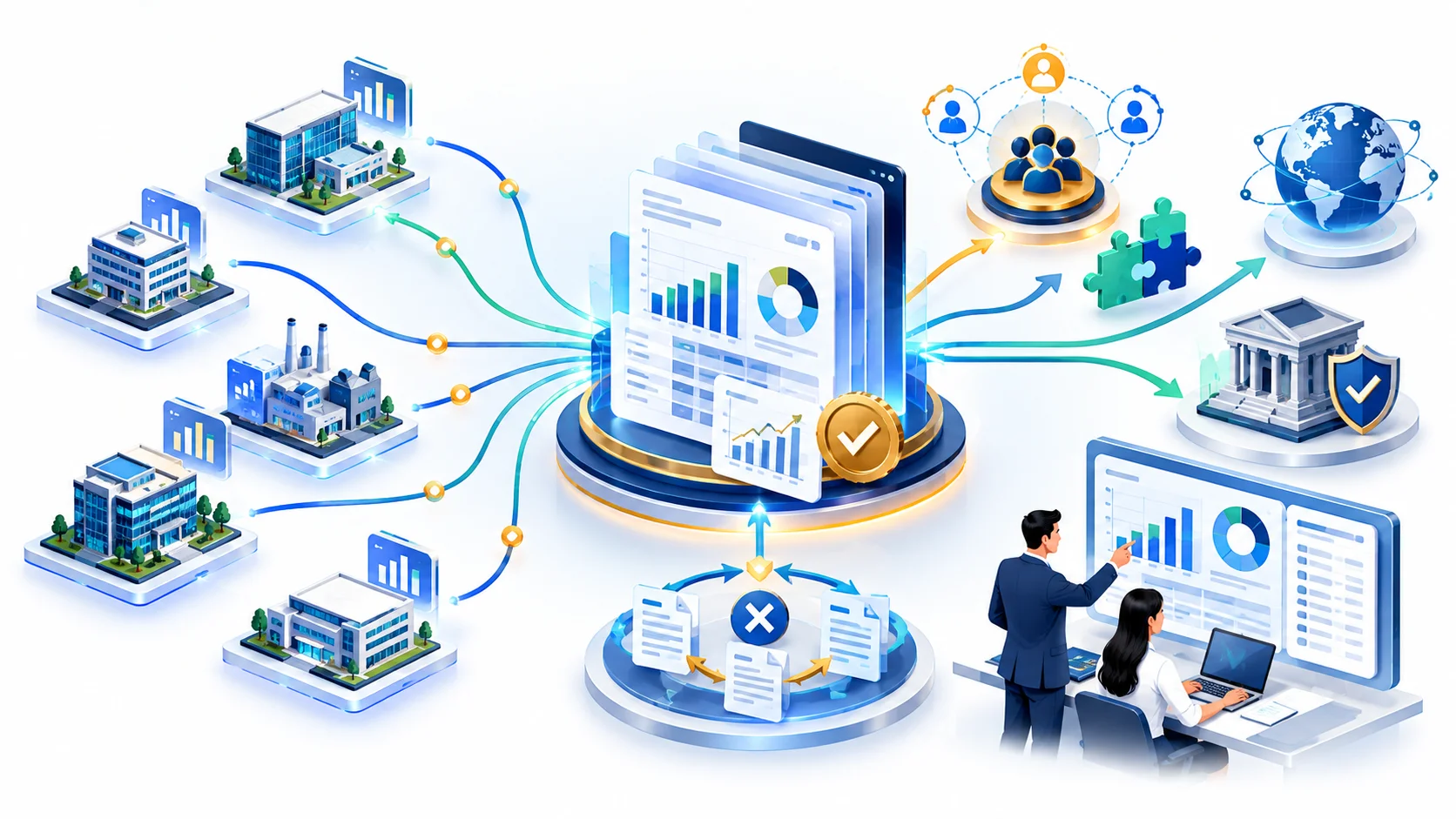
As a business grows, the volume and variety of expenses it processes tend to increase faster than the time available for anyone internally to review them carefully. A founder who once personally reviewed every expense on a monthly credit card statement may find, a few years later, that dozens of employees are submitting expenses across multiple departments and even multiple countries, and that the informal review process that worked at a smaller scale no longer catches what it used to. This is a natural and common transition, but it is one that businesses sometimes fail to plan for until an error surfaces at an inconvenient moment, such as during a lender's due diligence review or a tax authority inquiry.
Recognizing this transition early, and building a more structured bookkeeping review process before it becomes urgent, tends to be far less disruptive than reacting to a problem after it has already affected a filing or a financial statement. This is one of the reasons a managed bookkeeping relationship that scales alongside a growing business, rather than a fixed internal process that stays the same regardless of how much the business has changed, tends to hold up better over time, catching the gaps that inevitably appear as headcount, transaction volume, and geographic spread all increase together.
Closing Thoughts on Getting This Right
OCR receipt scanning bookkeeping technology has made expense capture dramatically faster and less burdensome than the manual alternative, and that is a real and lasting improvement for businesses of every size. It has not removed the value of a trained bookkeeper reviewing the results, correcting the errors the technology inevitably introduces, and making sure the final numbers reflect the business's actual spending accurately enough to support financial statements, tax filings, and management decisions with confidence. If your business relies heavily on receipt scanning apps today, it is worth asking whether a professional review layer is currently applied consistently, or whether that responsibility has quietly fallen through the cracks as the volume of expenses has grown.
Related reading: Mobile Expense Management Apps vs. Managed Accounts Payable and Open Banking APIs vs. Manual Bank Reconciliation cover similar automation-versus-review tradeoffs elsewhere in the books. Businesses preparing for an external audit can also review Livida's Statutory Audit Readiness Review service.
Conclusion
OCR receipt scanning bookkeeping is a strong first draft, not a final answer. Let the app capture the data, then let a person confirm the amounts, categories and supporting documents. That keeps the speed and protects the accuracy.
References
- Record Keeping Requirements, IRAS Singapore
- Recordkeeping, Internal Revenue Service (USA)
- Keeping records, Canada Revenue Agency
Talk to Livida
If you use OCR receipt scanning bookkeeping tools and want a review layer on top, visit our contact page, email info@livida.in or call +91 94860 33194. Our team will look at your current process and suggest practical next steps.
This article is general information, not professional advice. Record keeping and tax rules change and differ by country, so confirm current requirements with the relevant authority.